TIMOCOM Live Shipment Tracking TIMOCOM Live Shipment Tracking

Tracking shipments has never been easier

Has your transport customer asked you to track a shipment? With TIMOCOM Live Shipment Tracking, you now have the option of easily sharing transport data and providing transparent information on the progress of a shipment. We’ll show you three simple ways to do this.

With TIMOCOM Live Shipment Tracking, you can provide your transport customer and everyone involved in the transport with status updates, the estimated time of arrival (ETA), shipment documents and, if desired, location data (GPS). This saves you a lot of work and stress. Automatically forwarding this information to you, the transport customer and any other parties involved in the transport keeps your communication effort with all parties to a minimum. You can pass on the necessary information to your customer in these three simple ways.

Live Shipment Tracking has never been easier

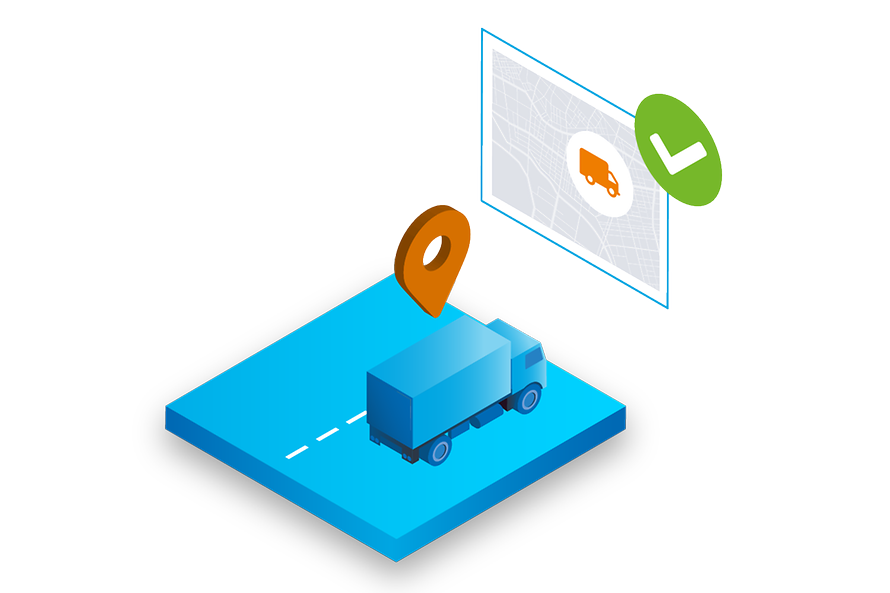
Has your driver or have you already added the vehicle’s telematics in the TIMOCOM Marketplace? Then select the corresponding vehicle registration or GPS receiver in the ‘Status via GPS’ field in the tour window, and the status updates will be set automatically.

Telematics not connected yet? You can do it right here.

lsv-modul-isografiken-gps

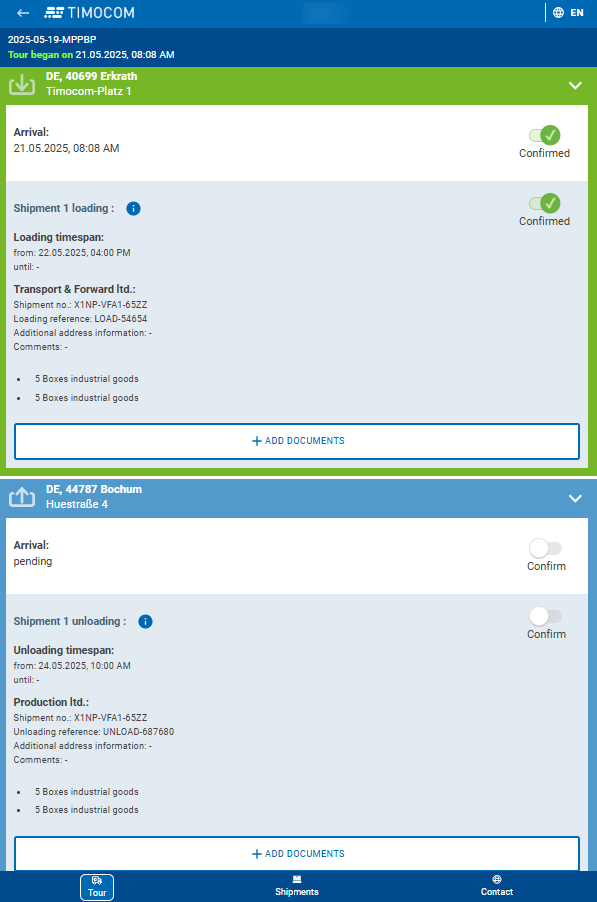
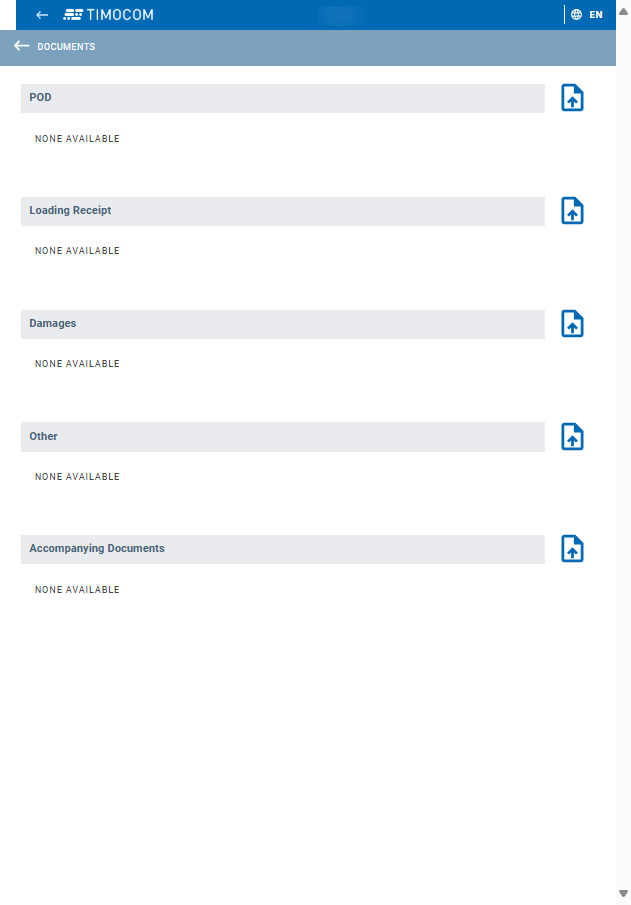
Don’t have access to the vehicle’s GPS data? Then you can have the driver enter status updates. Simply send the driver all the information about the tour to their smartphone – e.g. via WhatsApp or e-mail. The driver does not need to register or download an app to do this. They just need to open the tour in their smartphone browser and enter the status manually. In addition, the driver can upload documents in the application such as proof of delivery and send them directly to you.


Alternatively, your driver can also share the status automatically using the LKW.APP from Aparkado. To do this, send the driver the link with the tour details as described above. After clicking on the link, the TIMOCOM application will open in the driver’s smartphone browser. From there, the driver can click again to access the LKW.APP, where the tour data and further instructions are displayed. Status updates are then automatically shared via the smartphone’s GPS function, so the driver does not have to do anything else.

lsv-modul-isografiken-carrier

 None of the above options suitable for you? Then you can manually enter the status of the shipment at any time in the shipment details on the TIMOCOM Marketplace. To do this, simply leave the fields ‘Status via GPS’ and ‘Status via driver’ blank. Then go to Shipment Tracking and open the desired shipment. From there you can manually enter the current status (from ‘Departed for the loading place’ to ‘Unloading completed’). 

lsv-modul-isografiken-manuell

Frequently asked questions

Discover TIMOCOM Live Shipment Tracking for hauliers

Mariusz Mróz will be happy to provide you with further information and answer your questions

mariusz-mróz-dsc02213-web

Sabine Erzmoneit
Talent Acquisition Manager

+49 211 88 26 26 47
mmroz@timocom.com